
Blog · Battery Tips · January 10, 2025 · 5 min read
How to Extend Your Phone Battery Life: Expert Tips
Your smartphone's battery is a silent servant, tirelessly working, steadily diminishing.
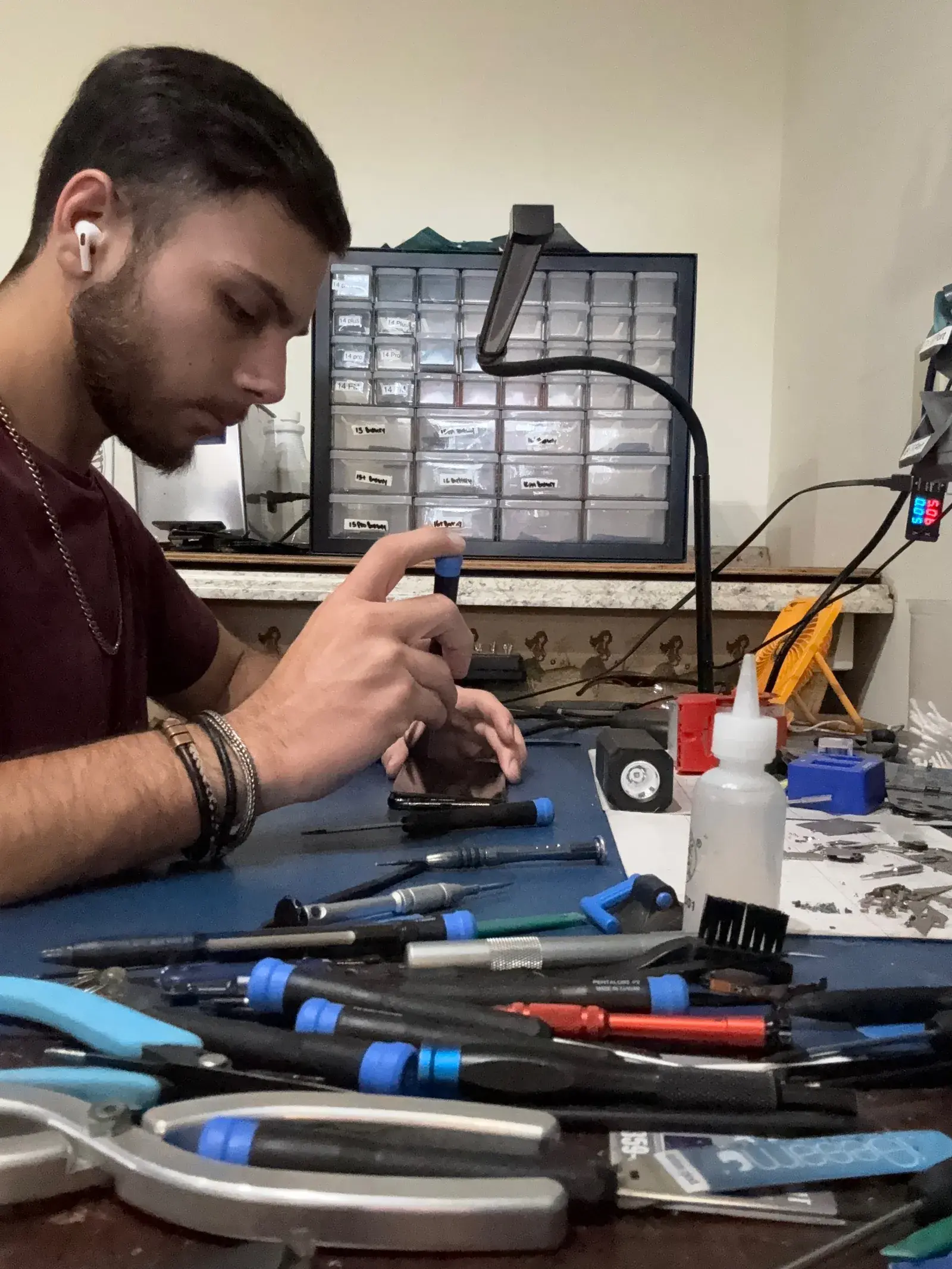
Your smartphone's battery is the one component that degrades every single day you own the phone, whether you use it or not. The good news is that most of the degradation is preventable with a few consistent habits. The bad news is that most people don't know what those habits are until their battery is already failing.
Here are the strategies that actually work, the myths you can ignore, and how to know when you've passed the point of tips and need a replacement.
How iPhone and Android Batteries Age
All modern smartphone batteries use lithium-ion chemistry. Each charge cycle, a full discharge and recharge, causes a small amount of irreversible degradation to the battery's ability to hold a charge. Apple considers a battery at full service life after 500 complete charge cycles, at which point it should retain at least 80% of its original capacity. In practice, most people hit 500 cycles within 18 to 24 months of daily use.
The key insight: it's not just the number of cycles that determines degradation, it's the conditions under which those cycles happen. Heat, deep discharges, and fast charging all accelerate the process.
The Single Biggest Battery Killer: Heat
In Maui, this matters more than it does almost anywhere else in the country. Lithium-ion batteries degrade measurably faster above 95°F (35°C). Leaving your phone on a beach towel in direct sun, on the dashboard of a car, or in a pocket during strenuous outdoor activity all push the battery temperature into this damaging range.
Practical steps:
- Store your phone in the shade when outdoors
- Never leave your phone in a parked car in Maui, interior temperatures regularly exceed 120°F
- Remove thick cases during intensive tasks (gaming, video) if the phone feels hot
- Don't charge wirelessly while the phone is in a case in a warm room, wireless charging generates more heat than wired
Keep Charge Between 20% and 80%
This is the most widely cited battery tip and it's true. Lithium-ion cells experience the most stress at the extremes, fully charged to 100% or fully discharged to 0%. The sweet spot is between 20% and 80%, where the battery chemistry is under the least electrochemical stress.
You don't need to be obsessive about this. Occasionally charging to 100% or running to 5% won't destroy your battery. But if your habit is plugging in overnight until 100% every night, you're unnecessarily aging the battery faster than the charge cycles alone would.
How to Check Your Battery Health Right Now
On iPhone, go to: Settings → Battery → Battery Health & Charging. You'll see a percentage, this is the maximum capacity relative to when the battery was new. Apple recommends service when this drops below 80%. Between 80% and 100% is normal operation. Below 80%, you'll notice shortened battery life and potential unexpected shutdowns.
On Samsung and other Android phones, the path varies. On recent Samsung models: Settings → Battery and device care → Battery → View more. Some Android phones require third-party apps like AccuBattery to see detailed health metrics.
Enable Optimized Battery Charging
On iPhone (iOS 13 and later), Optimized Battery Charging learns your daily routine and deliberately slows charging above 80% when it predicts you won't need a full charge immediately. This reduces the time spent at 100%, which is the most stressful state for the battery. It's on by default, check under Settings → Battery → Battery Health & Charging.
Samsung has a similar feature called "Protect Battery" under Settings → Battery and device care → Battery, which caps charging at 85%.
Use the Right Charger
Cheap third-party chargers deliver inconsistent voltage and current, which stresses battery cells over time. Use Apple-certified (MFi) cables and chargers, or Samsung's official accessories. This is especially important for fast charging, the higher wattage involved demands precise power delivery. A $5 cable from a gas station will cost you far more in battery replacement fees.
Reduce Background Drain
On iPhone, go to Settings → General → Background App Refresh and turn it off for apps that don't need it. Location Services under Settings → Privacy is another major drain, many apps request "always on" location access that quietly runs GPS in the background all day.
The three biggest battery drains on most phones:
- Screen brightness (keep it on auto)
- Background location services from apps like social media and weather
- Push email checking every few minutes from multiple accounts
When Tips Are No Longer Enough
If your iPhone's battery health is below 80%, no habit changes will meaningfully improve your daily battery life. The capacity is gone, the only solution is replacement. Signs that you've crossed this threshold:
- Phone dies suddenly at 20%, 30%, or even 40% charge
- Battery percentage drops rapidly under moderate use
- Phone feels hot during normal tasks like browsing or texting
- Battery health shows below 80% in Settings
- iOS displays a "Battery service recommended" message
Battery replacement at Maui Cell Phone Repair takes 60 to 90 minutes and uses high-quality cells designed for your specific model. It's significantly cheaper than buying a new phone and your device will feel like new again. See our battery replacement pricing or book an appointment online.
Bring it in. Same-day repair in Kahului.