Blog · Water Damage · January 5, 2025 · 3 min read
Dropped Your Phone in Water? Here's What to Do Immediately
Water does not announce its damage immediately. It seeps, corrodes, and quietly dismantles circuitry.
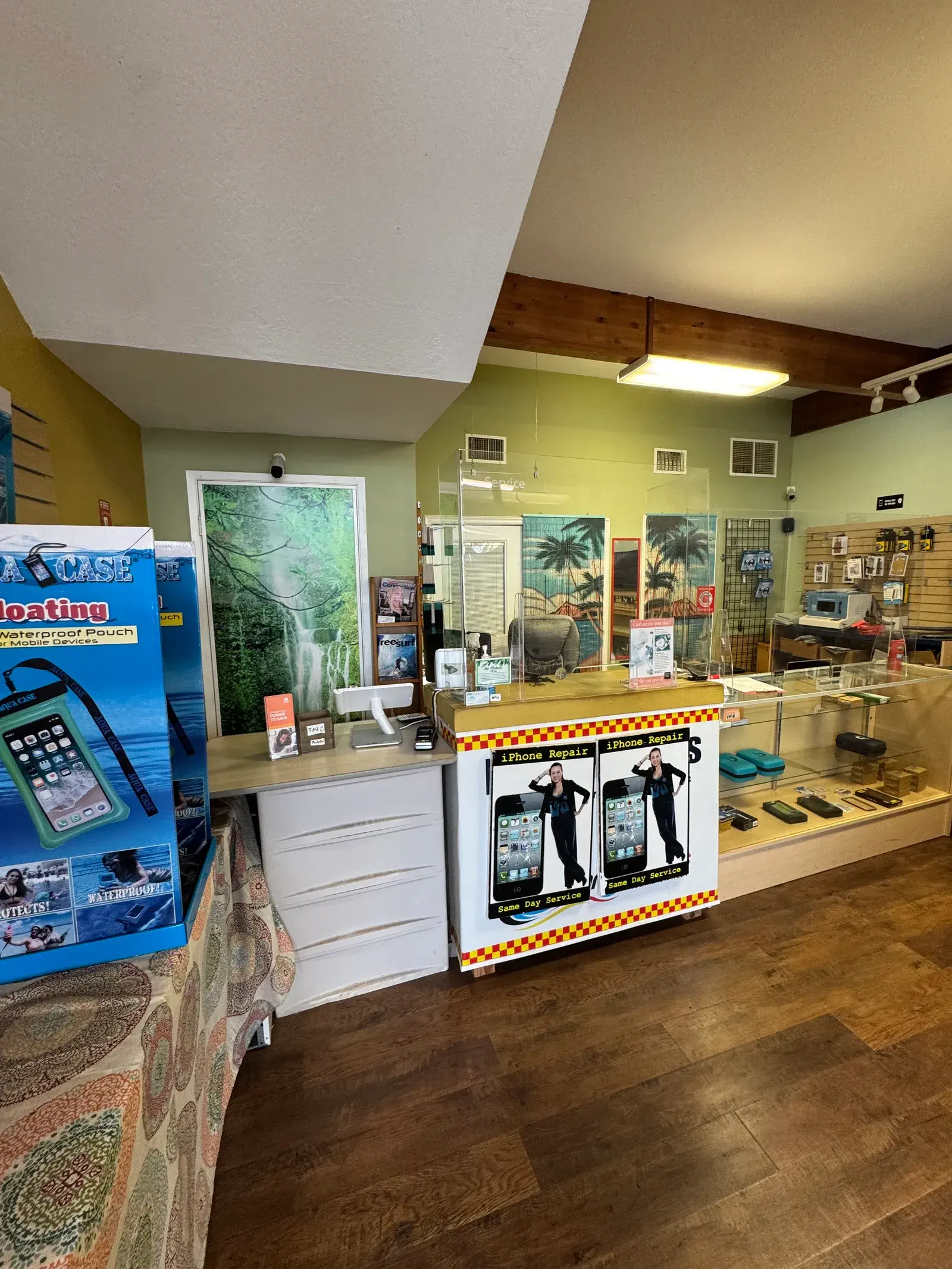
In Maui, water damage happens constantly. Phones drop into pools at resorts in Wailea, fall off kayaks near Lahaina, get soaked in tropical downpours in Hana, and slip out of shorts into the ocean at Kaanapali. We see it multiple times every week at our Kahului shop.
The difference between a phone that recovers and one that doesn't almost always comes down to what the owner did in the first hour. Here is exactly what to do, and what not to do.
The First 60 Minutes Are Everything
Water itself doesn't destroy phones immediately. What destroys them is electricity flowing through wet circuits. The moment water contacts the logic board and electrical current is present, it causes short circuits that burn components. This process begins the instant the phone is submerged and continues as long as power is available.
Here's what happens hour by hour inside a water-damaged phone:
- 0–60 minutes: Water spreads through the device. If power is removed immediately, damage may be limited to surface corrosion on connectors.
- 1–4 hours: Moisture begins penetrating deeper components. Corrosion starts on exposed copper traces and contact pads.
- 4–12 hours: Mineral deposits from the water begin forming on the logic board. These deposits are conductive and cause short circuits even after drying.
- 12–48 hours: Corrosion spreads aggressively. Board damage may be irreversible even with professional cleaning.
Step 1: Get It Out of the Water Immediately
Every additional second submerged allows water to penetrate deeper into the device through speaker grilles, charging ports, SIM card trays, and any microscopic gaps in the housing. Remove it fast.
Step 2: Power It Off Completely
Do not unlock it to "check if it still works." Do not try to take a photo. Do not plug it in to see if it charges. Every action you take that requires electrical current flowing through the device while it is wet causes additional component damage.
Hold the power button and slide to power off. If the screen is unresponsive, hold the power and volume down button simultaneously (iPhone 8 and later) to force a shutdown.
Step 3: Remove Everything You Can
Take off the case. Remove the SIM card tray. If you have an older Android phone with a removable back, take it off and remove the battery. Increased airflow helps surface evaporation begin, but do not use a hair dryer, compressed air into ports, or any heat source. Heat in this context accelerates corrosion, not drying.
Step 4: Do Not Use Rice
The rice myth has persisted for years despite being demonstrably ineffective. Rice absorbs atmospheric humidity, it does not pull moisture from inside sealed electronic components. The interior of your phone is not in meaningful contact with the rice in the bag. What rice does do is introduce fine starch dust into your charging port and speaker grilles.
Professional silica gel packets are more effective than rice at atmospheric moisture absorption, but even these don't reach the internal components where the actual damage occurs. The only effective treatment is professional disassembly and cleaning.
Step 5: Bring It to Us As Soon As Possible
At Maui Cell Phone Repair, we use ultrasonic cleaning equipment and specialized cleaning solutions designed for electronics. The process involves:
- Full disassembly to expose the logic board and all internal components
- Ultrasonic bath in an electronics-safe cleaning solution to remove mineral deposits and corrosion
- Inspection under magnification for component damage
- Controlled drying
- Reassembly and full functionality testing
This process cannot be replicated with a bag of rice at home. The cleaning solution breaks down the mineral deposits that water leaves behind, the primary cause of failure after initial drying.
Ocean Water Is Much Worse Than Fresh Water
If your phone went into the ocean, which happens to a lot of tourists in Maui, the situation is more urgent than a pool or fresh water incident. Salt water is highly conductive and corrosive. It leaves a concentrated mineral residue on every surface it contacts and accelerates corrosion dramatically compared to fresh water.
Ocean water damage requires immediate professional treatment. Don't wait until the next morning. If you drop your phone in the ocean at 4pm on a Saturday, call us immediately, we'll tell you honestly what we can do.
Water Resistance Ratings Are Not Waterproof
Many people assume their iPhone 12, 13, 14, 15, or Samsung Galaxy S-series is "waterproof" because of its IP rating. IP68 means the device was tested at up to 6 meters for 30 minutes in a controlled lab environment with fresh water. It does not mean:
- The device is protected in saltwater or chlorinated pool water
- The protection is permanent, seals degrade with age and drops
- Any damage from water exposure is covered under warranty
Apple and Samsung both explicitly exclude water damage from their standard warranties. Your IP68 phone can and does get water damaged in the ocean, after seals have worn, or after a previous drop compromised the housing.
Signs Your Phone Has Water Damage
Sometimes a phone appears functional immediately after water exposure but fails days or weeks later. Watch for:
- Speaker sounds muffled or distorted
- Microphone not working during calls
- Touch screen erratic or unresponsive in spots
- Camera lens appears foggy from inside
- Battery draining faster than normal
- Phone overheating during light use
- Charging port not recognizing cable reliably
Any of these symptoms after a water exposure mean corrosion is already progressing. Don't wait for the phone to fully fail, bring it in now while there's still something to save.
If you're in Maui and just dropped your phone in water, come see us right away or call (808) 359-4948. Same-day water damage assessment and treatment in Kahului.
Bring it in. Same-day repair in Kahului.