Blog · Samsung Repair · December 15, 2024 · 5 min read
Samsung Galaxy Screen Repair: What You Need to Know
Samsung Galaxy phones are known for their stunning displays, but when screens break, repairs require expertise.
Samsung Galaxy phones are among the most technically impressive consumer devices available, vibrant AMOLED displays, capable cameras, and the flexibility of Android. They're also among the more complex phones to repair, for reasons that go beyond just the hardware. If you have a Galaxy that needs repair in Maui, here's everything you need to understand before bringing it in.
Why Galaxy Screen Repair Is Different From iPhone
Samsung's flagship Galaxy S-series uses curved-edge AMOLED displays, a design that looks stunning but creates significant challenges for repair. The screen assembly integrates multiple layers that are bonded together under heat and pressure at the factory:
- The outer protective glass (Corning Gorilla Glass Victus on newer models)
- The touch digitizer layer
- The AMOLED panel itself
- The backlight and flex cable assembly
On most iPhone models, the glass and OLED panel can be separated and the glass replaced independently. On Samsung Galaxy S-series flagship phones, the layers are bonded in a way that makes glass-only replacement impractical, the full display assembly typically needs to be replaced. This is why Galaxy screen repairs generally cost more than equivalent iPhone repairs.
Galaxy S-Series vs. Galaxy A-Series: Different Repair Profiles
The Galaxy A-series, A14, A34, A54, uses LCD displays rather than AMOLED and is generally less expensive to repair. The screens are less tightly integrated, repair times are similar to iPhone, and parts availability is good for current models.
The Galaxy S-series, S22, S23, S24 and their Ultra and Plus variants, uses high-end AMOLED panels with curved edges. These repairs are more expensive, require more care during disassembly, and take longer. The Ultra models with S Pen functionality add additional complexity around the stylus housing and its associated components.
Signs Your Galaxy Display Needs Repair
- Green or purple vertical lines: A classic sign of AMOLED panel damage, usually from an impact. These lines don't go away and tend to expand.
- Burn-in: AMOLED screens can develop permanent image retention from static content displayed at high brightness. A faint ghost image of a navigation bar or keyboard that appears on white backgrounds. This is panel degradation, not a fixable software issue.
- Flickering or strobing: Can be software-related (try a restart) but if it persists, indicates display panel hardware failure.
- Dead touch zones: Areas where the screen doesn't respond to touch. The digitizer layer has failed in that region.
- Black screen with functioning notifications: Phone is on (you can hear it), but the display produces nothing. The display flex cable has likely come loose from an impact, or the panel has failed.
- Cracked glass with display damage: If the crack goes through to the AMOLED layer (you'll see color distortion or dark bleeding around the crack), the full assembly needs replacement.
The Repair Process for a Galaxy Screen
Here's what actually happens during a Samsung Galaxy screen replacement at our Kahului shop:
- Diagnostic testing: We confirm the nature and extent of the damage and check for any secondary issues, charging port function, camera, speakers, that should be noted before repair begins.
- Back cover removal: Galaxy phones use a glass back panel bonded with adhesive. This must be carefully heated and lifted before accessing internal components.
- Internal disassembly: The battery, logic board connectors, and display flex cables are carefully disconnected in a specific order.
- Display assembly removal: The damaged screen assembly is heated to release its adhesive and carefully separated from the frame.
- New assembly installation: The replacement display is seated, flex cables reconnected, and new adhesive applied around the perimeter.
- Reassembly and sealing: Everything is put back together and the back glass is re-adhered.
- Functionality testing: Touch response, color accuracy, brightness, speakers, cameras, and biometrics are all verified before you leave.
Galaxy Fold and Flip Repairs
The Galaxy Z Fold and Z Flip series represent a different repair category entirely. The foldable inner display uses a plastic OLED layer that is significantly more fragile than standard glass. These repairs require specialized handling and are among the more complex phone repairs available. If you have a Fold or Flip with display damage, call us at (808) 359-4948 to discuss your specific situation before coming in.
After Screen Replacement: Screen Protectors
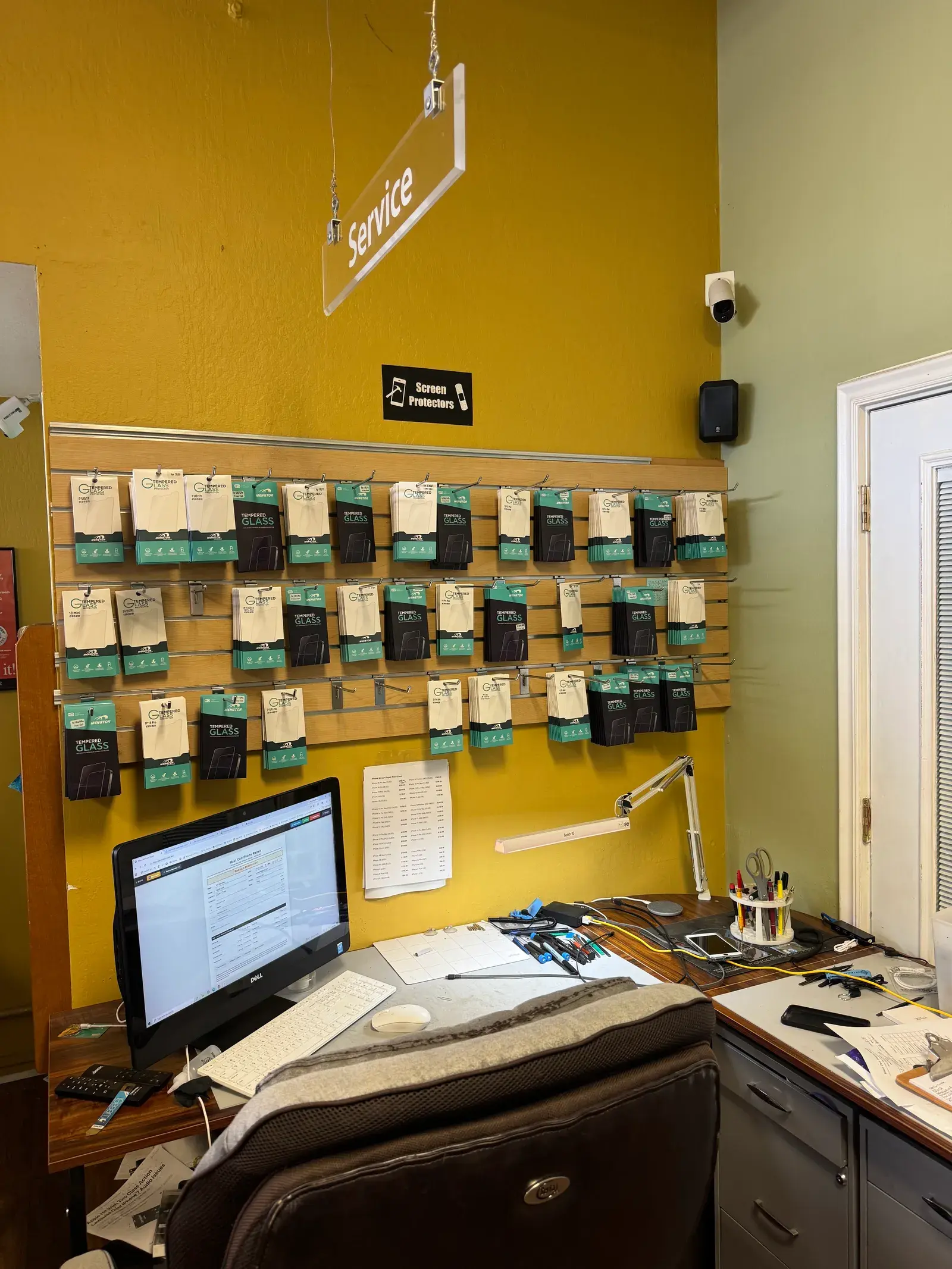
Standard tempered glass screen protectors don't work on curved Galaxy displays, the glass curves away from the protector at the edges, leaving gaps. Samsung-compatible protectors are typically film-based (flexible polyurethane) that conforms to the curved edges. We can apply one for you at the time of repair. It's worth doing, a protector costs a fraction of a second screen replacement.
What to Do Before Bringing It In
If your screen is functional enough to navigate: back up your data via Settings → Accounts and backup → Backup data → Back up now. Note your Samsung account credentials and any screen lock PIN. We run full functionality tests after repair and need to unlock the device.
If the screen is completely unresponsive: enable cloud backup before bringing it in (Samsung Cloud or Google Backup, if set up previously, will continue backing up data from the last sync).
Ready to get your Galaxy fixed? Book a Samsung replacement in Maui, most repairs completed same day. Call (808) 359-4948 or use our online booking.
Bring it in. Same-day repair in Kahului.